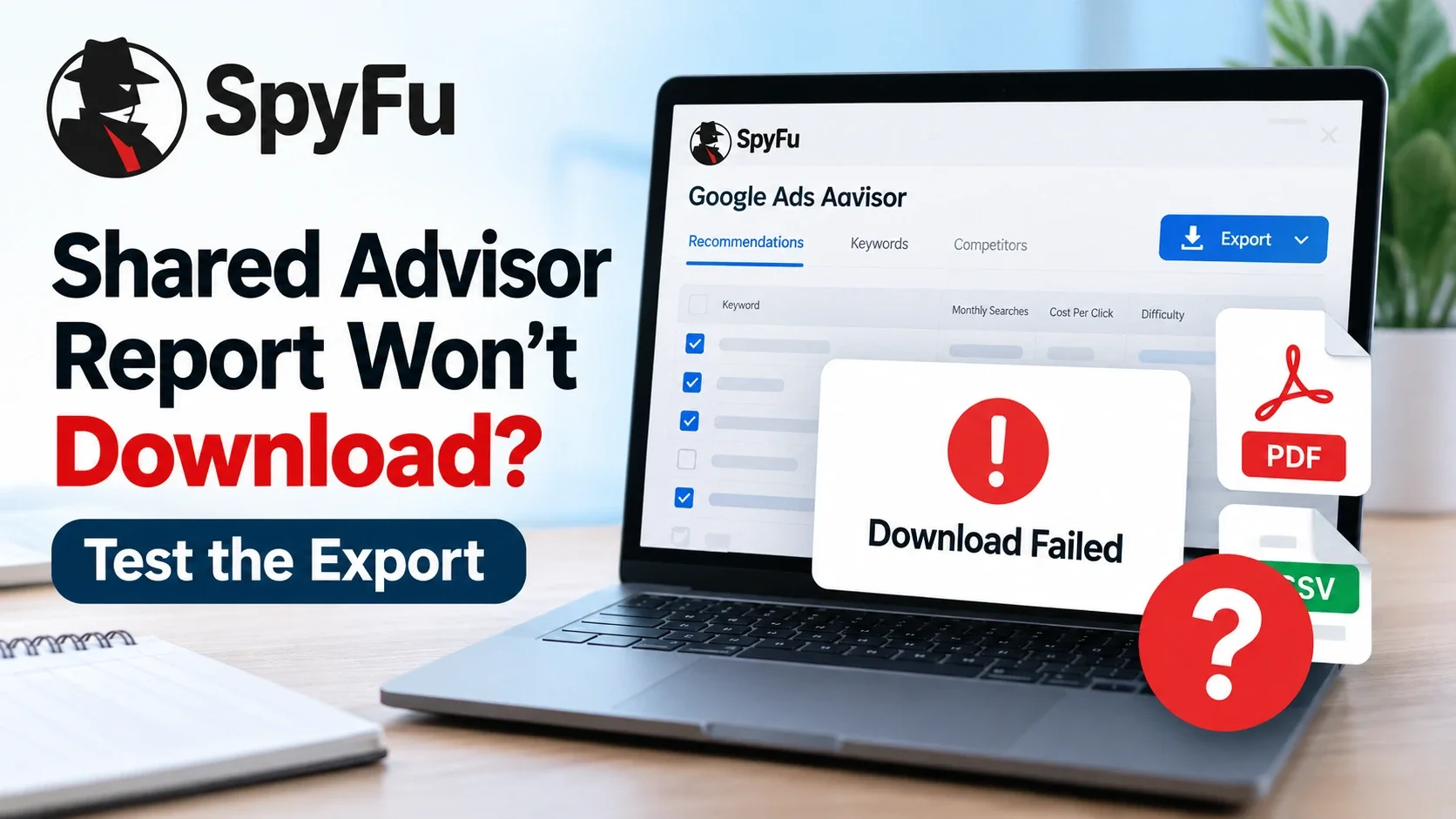
A colleague or client shares a SpyFu Google Ads Advisor report, but you can not download it. The link might open the recommendations without producing a file, the Export option might be missing or clicking Download might do nothing.
Before troubleshooting the browser, check whether you received an actual exported file or a link to SpyFu's Advisor results. This distinction matters because opening a shared report page and downloading its recommendations are separate actions.
Check if the Shared Link Has a Downloadable File
Open the original link and look at what appears. If you can see SpyFu's keyword recommendations, competitor information and export controls, you are likely viewing the interactive Advisor interface rather than an already downloaded report.
If the link opens a PDF in your browser, the file has already been generated. You can attempt to save it directly instead of returning to Advisor to create another export.
| What happens when you open the link | What it means for the download |
|---|---|
| Advisor recommendations appear | Check whether exporting is available |
| SpyFu requests a login | Sign in and reopen the link |
| Export is missing or unavailable | Check access from the receiving account |
| Export responds but no file appears | Investigate the export or browser download |
| A PDF opens in another tab | Save it through the PDF viewer |
If the shared link displays an error or fails to load entirely, ask the sender to open that exact link themselves. A link that also fails for its creator needs to be checked before investigating download settings.
Advisor Report Opens but Export Is Unavailable
If the recommendations are visible but Export is missing, first check whether you are signed in to SpyFu. The shared destination may be accessible without providing every feature available to the account that created the report.
Sign in and reopen the same link. If Export remains unavailable, ask the sender whether they can download the recommendations from their original Advisor results.
SpyFu's documented export process lets users select recommendations using the checkboxes beside keywords, then export the selected results in supported formats, including PDF and CSV.
If the sender can export the report successfully, ask them to share the downloaded file directly. This avoids relying on whether the recipient can perform the same operation through a shared link.
If the recipient needs independent export access, the relevant SpyFu account permissions must be checked separately. A shared URL should not be assumed to transfer the sender's account capabilities.
Export Button Works but No File Downloads
When the Export control appears normally but no file arrives, the first useful check is whether the intended recommendations were selected.
In SpyFu's documented Advisor workflow, individual keyword checkboxes determine which recommendations are included. There is also a selection control for choosing multiple recommendations.
Select a few visible keywords and attempt to export them again. If nothing happens, check whether the browser received a download request.
Check whether the browser received the file
In Chrome or Microsoft Edge, press Ctrl + J to open the download history. Look for a SpyFu file created at the time of your export attempt.
If the download is marked as completed, open its saved location. If it is marked as failed or blocked, the browser attempted a download but did not complete it.
If no download appears, return to the original SpyFu tab and check whether the export opened a separate PDF viewer. A generated PDF can sometimes open in another tab instead of saving immediately.
When the PDF opens correctly, use the viewer's download control to save it. If the browser reports that a pop-up was blocked, allow the relevant action for SpyFu and repeat the export.
If clicking Export still produces no response
Repeat the same export in another browser while signed in to the same SpyFu account. Keep the selected recommendations and export format unchanged so the two attempts are comparable.
If the export works in the second browser, investigate the original browser's extensions, download permissions, or session. The successful comparison suggests that the problem is not affecting every attempt to generate the report.
If both browsers fail in the same way, the next useful test is whether another export format works.
PDF Export Fails but CSV Works
SpyFu's Google Ads Advisor supports multiple export formats. If the shared report needs to be downloaded as a PDF, try exporting the same selected recommendations as CSV to narrow down the failure.
If CSV downloads correctly while PDF fails, the recommendations are available for export in at least one format. This does not identify the precise PDF failure, but it helps establish that the problem is not preventing every Advisor export.
When the recipient only needs the keyword recommendations, the sender can provide the CSV instead. If the intended deliverable must be a PDF, continue investigating that specific export option rather than treating the CSV workaround as a complete resolution.
If neither PDF nor CSV produces a file, the problem may affect the broader Advisor export process. Ask the sender to perform the same test from their original account.
Sender Also Can not Download the Report
If both people experience the same failure, have the sender open Google Ads Advisor directly from SpyFu and attempt a fresh export.
Use the original domain or keyword research input, select a few recommendations and download them in a supported format. This determines whether exporting fails even without using the shared link.
If a fresh export works, return to the original report and try exporting its intended recommendations again. The working export establishes that the account can generate at least one Advisor file but it does not establish why the earlier attempt failed.
If the fresh export also fails, record the exact behaviour and contact SpyFu support. Include the Advisor page URL, selected export format, browser used and any error displayed after clicking Export.
You can contact SpyFu through its official Help Center or support@spyfu.com. Explain whether the failure affects the sender, the recipient or both, because that difference helps identify where the download process stops.
For a shared Advisor report that must be delivered immediately, the most practical resolution is to have the sender export the file directly whenever their account can do so. If the original account also cannot generate a file, the remaining issue is the Advisor export operation itself, rather than simply the shared link.