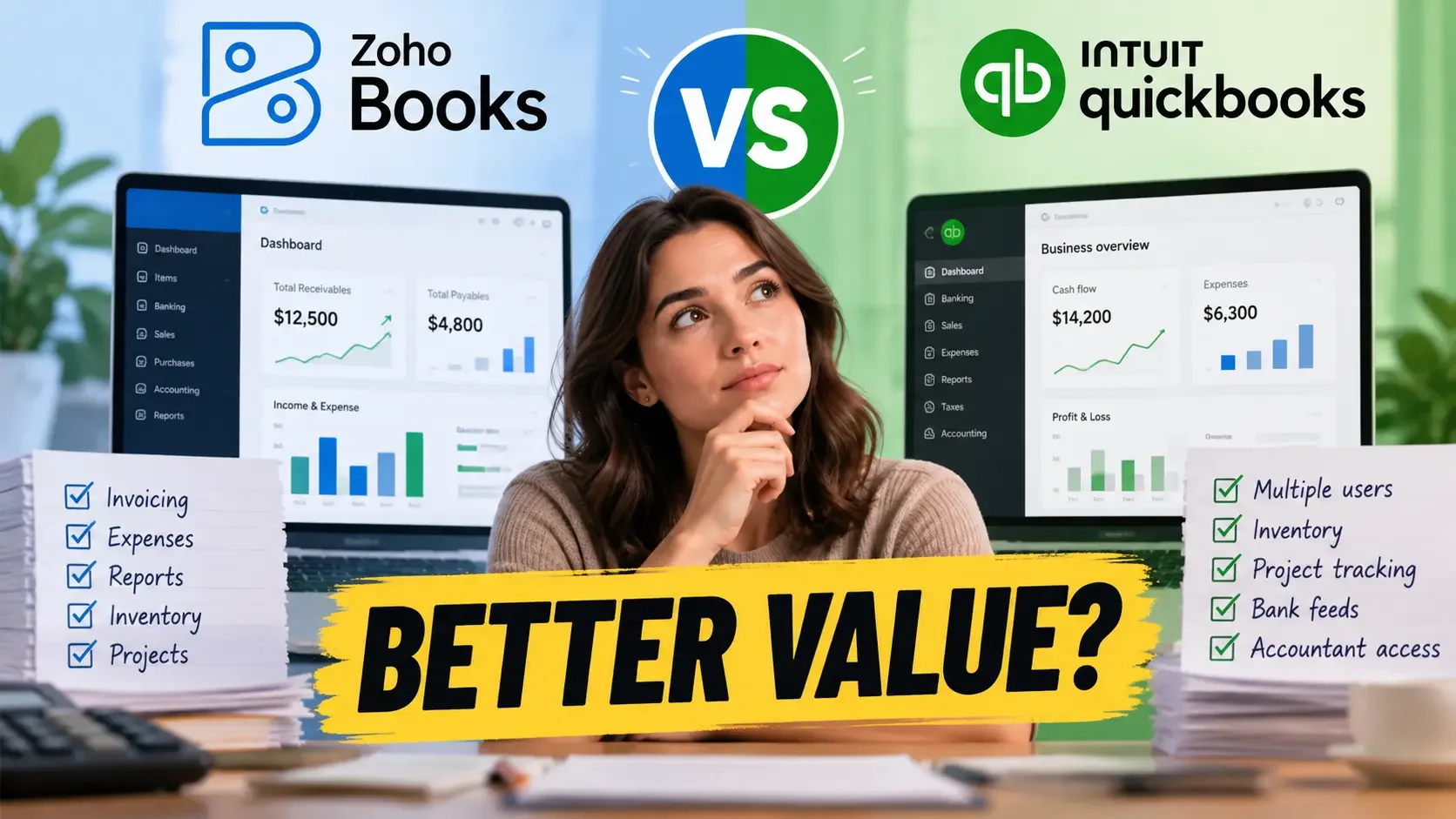
Zoho Books and QuickBooks Online both offer the accounting tools small businesses need to manage invoices, expenses, bank transactions and financial reports. However, their subscription prices and feature limits differ enough that two businesses with similar accounting needs could end up paying considerably different amounts.
Zoho Books starts at $20 per month for its paid plans, compared with $38 for QuickBooks Online. The price difference becomes larger when a business needs multiple users, inventory tracking or project profitability reporting.
For small businesses starting fresh, Zoho Books often makes more financial sense because it provides several important accounting capabilities at lower subscription levels. QuickBooks becomes more attractive when its accountant collaboration, existing integrations or connected financial services offer practical advantages that justify the additional cost.
Key Differences
Both platforms handle everyday bookkeeping, but their value changes depending on the size of your business and the features you need.
| Comparison | Zoho Books | QuickBooks Online |
|---|---|---|
| Free accounting plan | Available with revenue and usage restrictions | Available with invoicing and feature restrictions |
| Starting paid subscription | $20/month | $38/month |
| Three accounting users | Standard, $20/month | Essentials, $85/month |
| Inventory tracking | Professional, $50/month | Plus, $140/month |
| Project profitability | Professional, $50/month | Plus, $140/month |
| Automatic bank feeds | Standard and higher | Available on Free for one bank account |
| Accountant access | Included, even on Free | Included on paid subscriptions |
| Customer portal | Available | Different customer-facing billing features |
| Third-party integrations | Zoho applications and external services | Broad QuickBooks application ecosystem |
| Main advantage | More affordable accounting capabilities | Established accounting ecosystem and connected workflows |
These differences explain why Zoho Books can be particularly attractive to a growing business. Features that require expensive QuickBooks subscriptions may be available through considerably cheaper Zoho plans.
However, a lower subscription does not mean the platforms provide identical workflows. A business should compare the specific accounting tasks it performs rather than assume that similarly named features work the same way.
Pricing: Which Subscription Offers Better Value?
The starting prices tell only part of the story. A small business may initially need basic invoicing but later require additional employees to access its accounts or more detailed reporting.
The official U.S. pricing pages currently list these standard month-to-month rates:
| Zoho Books plan | Monthly price | QuickBooks plan | Monthly price |
|---|---|---|---|
| Free | $0 | Free | $0 |
| Standard | $20 | Simple Start | $38 |
| Professional | $50 | Essentials | $85 |
| Premium | $70 | Plus | $140 |
| Elite | $150 | Advanced | $340 |
| Ultimate | $275 | — | — |
These rows represent each company's subscription ladder, not directly equivalent feature packages. Both vendors offer promotional or annual-billing discounts, so regular monthly prices provide a more consistent basis for comparison.
Basic Accounting for One Person
Consider a freelancer who needs to send invoices, record business expenses and prepare financial reports. Zoho Books Standard costs $20 per month, while QuickBooks Simple Start costs $38.
That creates an annual difference of $216 at regular monthly rates. If Zoho Books supports the freelancer's banking, invoicing and reporting requirements, paying more for QuickBooks may offer little additional benefit.
However, QuickBooks Simple Start could still be worthwhile if the freelancer works with an accountant who prefers QuickBooks or depends on a specific integration. In that situation, the additional subscription expense may reduce other accounting-related work.
Accounting for Three Employees
Now consider a small consulting business where three people need access to financial records. Zoho Books Standard includes three users for $20 per month, while QuickBooks Essentials supports three users at $85.
The difference is $65 per month, equivalent to $780 over twelve months. For a business with straightforward accounting requirements, Zoho's pricing creates a compelling reason to consider it.
The comparison also demonstrates why the cheapest plan from each company is not always the right starting point. QuickBooks Simple Start supports one user, so a business requiring three users would need a higher subscription.
Zoho Standard may therefore offer better value for a small team, provided its user permissions and accounting features meet the company's requirements. The number of included users is useful only if those users can perform the work assigned to them.
Inventory and Project Accounting
The price difference becomes particularly noticeable for businesses needing inventory tracking or project profitability.
Zoho Books Professional costs $50 per month and includes both capabilities. QuickBooks Plus costs $140 per month and also supports inventory management and project profitability.
The potential saving is $1,080 annually when comparing standard monthly rates. For a small retailer or service business, that is a substantial difference in the cost of maintaining accounting software.
However, inventory functionality deserves closer examination before choosing the cheaper subscription. Businesses may need particular stock valuation methods, purchasing workflows or integrations with their sales systems.
The same applies to project profitability. A company tracking labour, expenses and customer billing across multiple projects should confirm that the selected platform produces the financial information it actually needs.
Zoho Books Professional has a clear subscription-price advantage for these requirements. QuickBooks Plus becomes easier to justify when its particular reporting capabilities or integrations provide benefits that Zoho cannot adequately replace.
Free Plans: Which One Is Actually Practical?
Both Zoho Books and QuickBooks Online offer free subscriptions but the limits affect different types of businesses.
Zoho Books Free includes invoicing, expenses, recurring invoices, financial reports and bank reconciliation. It supports one regular user and one accountant, with annual limits of 1,000 invoices and 1,000 expenses.
The major restriction is annual revenue. Zoho allows businesses to remain on its Free plan while their revenue for the financial year does not exceed $50,000.
QuickBooks Free provides income and expense tracking, basic financial reporting, and one connected bank account. However, it supports only one user, does not include accountant access and excludes third-party application integrations.
Its standard invoicing allowance is two invoices per month. Businesses that qualify for and enable QuickBooks Payments can access unlimited invoicing, although payment-processing requirements and fees should be considered.
A Freelancer Sending 20 Invoices Monthly
Suppose a freelance designer earns $35,000 annually and sends approximately 20 invoices each month. That represents 240 invoices annually, which is comfortably within Zoho Books Free's stated invoicing allowance.
The same invoice volume would exceed QuickBooks Free's standard two-invoice monthly limit unless the freelancer qualifies for its unlimited-invoicing arrangement through QuickBooks Payments.
Zoho Books Free would therefore be the more practical starting point for this particular business. However, the advantage changes if automatic bank feeds become essential.
QuickBooks Free includes one connected bank account, whereas Zoho Books requires Standard or higher for automatic banking connections. Someone who sends very few invoices but wants transactions imported automatically may prefer QuickBooks Free.
The free-plan decision depends on which limitation creates more inconvenience. Zoho places restrictions on revenue and annual transaction volume, while QuickBooks places tighter restrictions on invoicing, accountant access and integrations.
Which One Makes Work Easier?
Both Zoho Books and QuickBooks support the accounting activities most small businesses perform regularly. The practical differences become clearer when you examine invoicing, banking and the information available to business owners.
Invoices and Customer Payments
Zoho Books provides customizable invoices, recurring billing, automated reminders and a customer portal. These features can be useful for service businesses that work with repeat customers and want clients to access their billing information.
QuickBooks also supports recurring transactions, customizable invoices, payment reminders and online payment collection. Businesses using QuickBooks Payments can connect customer payments with their accounting records, reducing some manual recording work.
Both platforms can handle ordinary invoicing without requiring their most expensive subscriptions. The more important differences emerge when a business needs retainers, progress invoicing or specialized billing arrangements.
Zoho Books Standard includes progress invoicing, while Professional adds retainer management and project-related billing capabilities. These features may make Zoho particularly attractive for contractors, consultants and other service businesses that do not always collect payment through a single invoice.
QuickBooks remains a practical choice when a business already uses its payment services and accounting workflows. A cheaper subscription is less valuable if changing software introduces additional steps into an otherwise reliable payment process.
Bank Transactions and Reconciliation
Banking is another area where the platforms have similar goals but different subscription requirements. Both support transaction recording and account reconciliation, allowing businesses to compare accounting records with actual banking activity.
QuickBooks Free includes one automatic bank connection. Zoho Books provides bank reconciliation on Free but automatic bank feeds require Standard or higher.
Both platforms support reviewing banking activity and connecting it with existing accounting records. The usefulness of these features depends on whether imported transactions can be handled accurately without unnecessary manual corrections.
For example, QuickBooks may download a payment without automatically identifying the transaction already recorded in the accounts. BusinessTally's guide to finding a QuickBooks transaction that is not matching explains how that situation can occur and why entering the payment again may create a duplicate.
Zoho Books also provides transaction matching and reconciliation features. Businesses comparing the two should check whether their actual banks are supported and how each platform handles the transactions they process most frequently.
For a company with straightforward banking requirements, either platform may be sufficient. Zoho's lower paid subscription cost provides an advantage, while QuickBooks' free bank connection may appeal to businesses with very limited invoicing needs.
Financial Reports and Business Visibility
Both platforms offer essential financial reports, including profit and loss statements and balance sheets. These reports help business owners understand income, expenses, financial position and operating results.
Zoho Books Free includes more than 50 reports, while paid plans add reporting capabilities such as custom reports and more advanced financial analysis. The higher subscriptions also provide features intended for businesses with more complex reporting requirements.
QuickBooks provides basic reports on Free and expands its reporting capabilities through Simple Start, Essentials, Plus and Advanced. Higher plans offer additional financial analysis, budgeting, and reporting options.
For businesses that only need reliable profit and loss statements, balance sheets and ordinary accounting reports, the additional cost of QuickBooks may be difficult to justify. Zoho Books provides much of the information a small business needs without requiring an expensive subscription.
However, a company relying on particular QuickBooks reports should verify that Zoho provides the same necessary information before switching. Similar report names do not always mean that the underlying calculations, filters, and customization options are identical.
Where QuickBooks Can Justify the Higher Cost
Zoho Books has an obvious pricing advantage in several common situations, but subscription cost is not the only factor affecting accounting efficiency.
QuickBooks can be worth paying more for when an existing accountant, connected software or established financial process makes it easier to operate the business.
Accountant Collaboration
Many small businesses depend on outside accountants for bookkeeping reviews, financial adjustments and tax preparation. If an accountant already manages a company's records through QuickBooks, changing software may introduce additional work.
QuickBooks has an established accounting professional ecosystem, including its ProAdvisor network. Businesses can find accountants familiar with the platform, although the availability and suitability of professionals differ by location and specialization.
Zoho Books also supports accountant collaboration and has its own network of accounting and implementation partners. Its Free plan even includes access for one accountant, which may be useful for very small businesses.
The deciding factor is often the accountant a business already works with. If that professional supports both platforms comfortably, Zoho's subscription savings become more attractive.
If the accountant relies on QuickBooks-specific workflows, keeping QuickBooks may reduce the need for additional training, adjustments or outside assistance. Those savings in professional time can sometimes outweigh the difference in monthly software costs.
Existing Integrations
QuickBooks connects with numerous third-party business applications, including payment services, ecommerce systems and operational software. These connections can be valuable when financial information already moves between applications without repeated manual entry.
Zoho Books also supports external integrations and connects with applications across the Zoho ecosystem. Businesses already using Zoho CRM or related Zoho products may benefit from keeping customer and financial information within connected services.
The relevant question is whether a platform supports the specific applications a business uses, not how many integrations appear in its marketplace.
For example, a retailer whose sales system already transfers transactions into QuickBooks may have little reason to replace that connection. If Zoho Books cannot support an equivalent workflow without additional manual work, the lower subscription price may not produce a meaningful saving.
A business starting without existing integrations has more flexibility. It can choose the accounting platform first and build its other software connections around that decision.
Switching From QuickBooks to Zoho Books
For an established QuickBooks user, the financial decision is different from choosing software for a new business. Switching involves transferring accounting records, reviewing balances, and ensuring that existing transactions remain accurate.
Zoho provides an official migration process for QuickBooks Online. It covers transferring information such as accounts, customers, vendors, transactions and opening balances, although the process still requires careful review.
Consider a company paying $140 monthly for QuickBooks Plus that could meet its requirements with Zoho Books Professional at $50. The potential annual subscription saving would be $1,080.
If the business required $600 in one-time migration assistance, its illustrative first-year saving would fall to $480 before accounting for other transition expenses. The $600 is a hypothetical cost used to demonstrate the calculation, not a standard migration fee.
That saving may still justify switching, particularly if the company expects to use Zoho Books for several years. However, the financial benefit becomes less convincing if replacing integrations or changing accountant procedures creates substantial additional costs.
For businesses that have not yet established their accounting systems, Zoho avoids most of these switching considerations. Its lower subscription prices can therefore provide a more straightforward advantage.
Which Makes More Sense?
Zoho Books is generally the stronger starting point for small businesses that want affordable accounting without sacrificing essential capabilities. Its pricing becomes particularly attractive when a company needs several users, inventory tracking or project profitability.
QuickBooks is more likely to justify its higher cost when a business depends on existing accountant relationships, specific third-party integrations or financial workflows built around its platform.
| Business situation | Better starting choice | Main consideration |
|---|---|---|
| New business with basic accounting needs | Zoho Books | Lower recurring subscription cost |
| Freelancer with frequent invoices | Zoho Books | More generous standard free invoicing allowance |
| Very small business needing one free bank feed | QuickBooks Free | One connected bank account |
| Small company needing three users | Zoho Books Standard | Substantially lower monthly price |
| Retailer needing basic inventory tracking | Zoho Books Professional | Lower-cost inventory functionality |
| Service company tracking project profitability | Zoho Books Professional | Project features at a lower subscription level |
| Business with an established QuickBooks accountant | QuickBooks Online | Continuity of accounting workflows |
| Company dependent on QuickBooks integrations | QuickBooks Online | Avoiding disruption to existing connections |
| Business already using several Zoho applications | Zoho Books | Potentially simpler integration |
These recommendations assume that the selected subscription supports the company's specific accounting requirements. The final decision should also account for transaction limits, bank compatibility, reporting needs and any additional services required.
For a new U.S. small business choosing its first accounting platform, Zoho Books often makes more sense financially. Its affordable plans provide a practical route from basic bookkeeping to multi-user accounting, inventory and project tracking.
For an established business already operating efficiently with QuickBooks, the higher subscription may be justified by the cost of replacing existing workflows. Changing software makes sense only when the expected savings and practical benefits outweigh the expense and disruption of moving.
The better choice ultimately depends on what your business needs to accomplish and how much it must spend to accomplish it. Zoho Books has the stronger price advantage for many small businesses, while QuickBooks remains a worthwhile option when its connected accounting environment provides benefits that justify the additional cost.